UNIX terminal command cheatsheet
Commonly used commands that I tend to forget
Date
Category
Cheatsheets
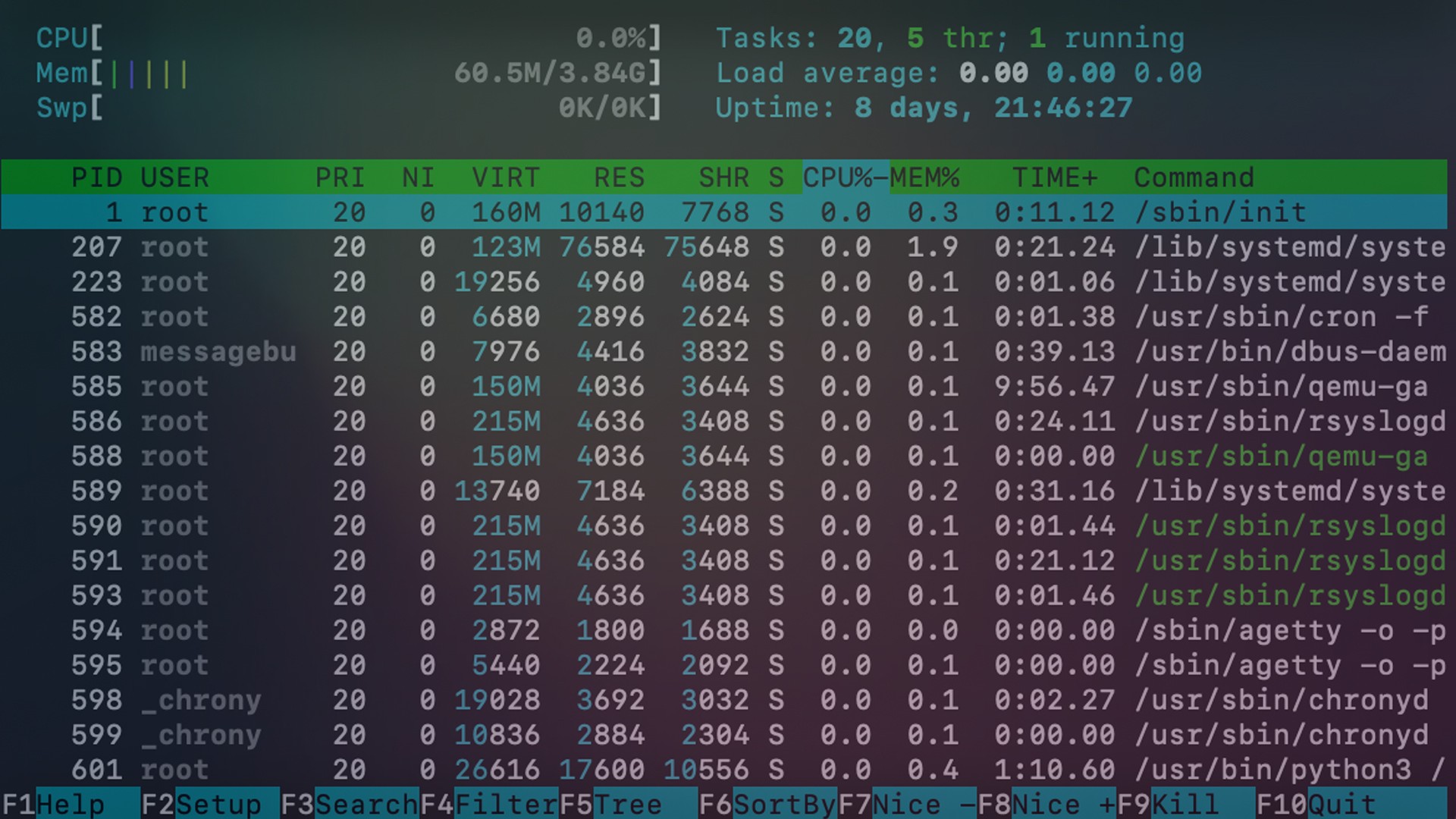
I’m spending more time with Linux these days which means heavy terminal use. Since it is such an important part of using the system correctly I wanted to keep a running list of commonly used commands for reference (this list doesn’t include that many flags for instance). I will probably add to this as I do more things but these seem to be biggest foundational ones.
pwd
pwd prints the name of the working directory
cd
cd takes a directory name as an argument, and switches into that directory
ls
ls lists all files and directories in the working directory
cp
cp copies files or directories. cp file1 file2 will copy file1 to file2
cd ..
To move up one directory, use cd ..
mkdir
mkdir takes in a directory name as an argument, and then creates a new directory in the current working directory.
mv
To move a file into a directory, use mv with the source file as the first argument and the destination directory as the second argument
cat
cat allows us to create single or multiple files, view contain of file, concatenate files and redirect output in terminal or files.
touch
touch creates a new file inside the working directory. It takes in a file name as an argument, and then creates a new empty file in the current working directory. Here we used touch to create a new file named keyboard.txt inside the 2014/dec/ directory.
grep
grep stands for “global regular expression print”. It searches files for lines that match a pattern and returns the results. It is case sensitive.
rm
rm deletes files
rm -r
rm -r removes a directory recursively …SCARY as hell.
man
man command shows the manual for the specified command
chmod
chmod ugo file changes permissions of file to ugo - u is the user’s permissions, g is the group’s permissions, and o is everyone else’s permissions. The values of u, g, and o can be any number between 0 and 7.
cat
cat command allows us to create single or multiple files, view contain of file, concatenate files and redirect output in terminal or files.
>>
>> takes the standard output of the command on the left and appends (adds) it to the file on the right. Example: cat glaciers.txt >> rivers.txt
<
< takes the standard input from the file on the right and inputs it into the program on the left. Example: cat < lakes.txt
|
| is a “pipe”. The | takes the standard output of the command on the left, and pipes it as standard input to the command on the right. You can think of this as “command to command” redirection. Example: cat volcanoes.txt | wc
src: http://cheatsheetworld.com/programming/unix-linux-cheat-sheet/
Other Posts

What I Shared with Students About Time Management
Virtual session and Q&A with high school students on practical approaches for focus and consistency.
UNIX terminal command cheatsheet
Commonly used commands that I tend to forget
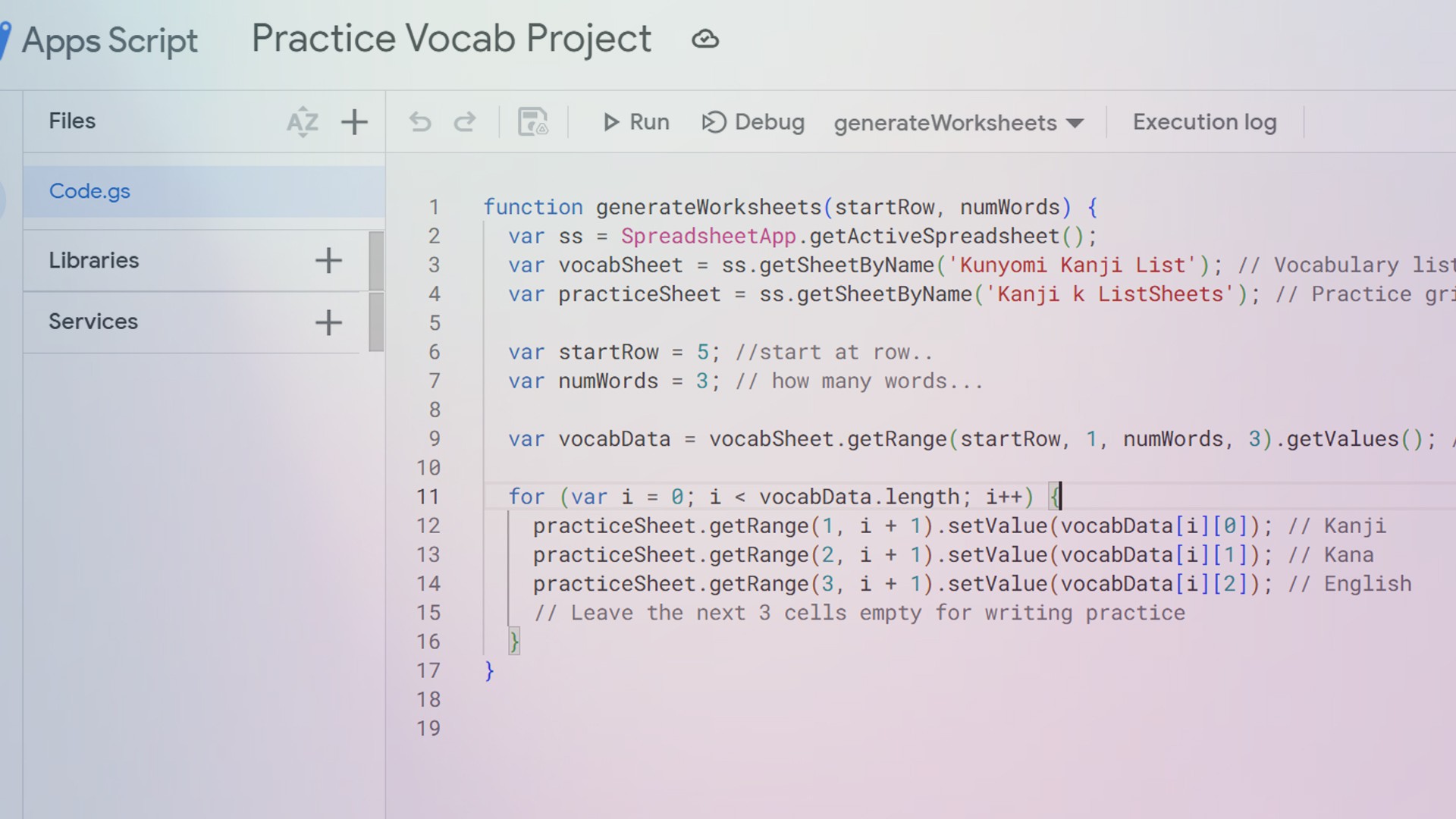
Automating Language Practice Worksheets with Google Apps Script
Turning structured spreadsheet data into printable study materials
Let’s Connect
I'm always open to new projects, collaborations, and conversations. Reach out today!